
In stock
Bundle GodLike HDMI & DP
GodLike DMA 75T, GodLike 10th Gen HDMI & DP fuser and Makcu: the complete setup with HDMI and DisplayPort outputs, for less than the three on their own.
$289.99
$304.98 bought separately. You save $14.99.
Highlights
- GodLike DMA 75T: Artix-7 75T, up to 180 MB/s over USB-C
- GodLike 10th Gen fuser: HDMI + DisplayPort out, lossless 4:4:4
- Makcu aim device: dual ESP32-S3, 1000 Hz polling
- Shipped together, checked together
What's in the box.
A complete DMA setup, tested together before it ships.
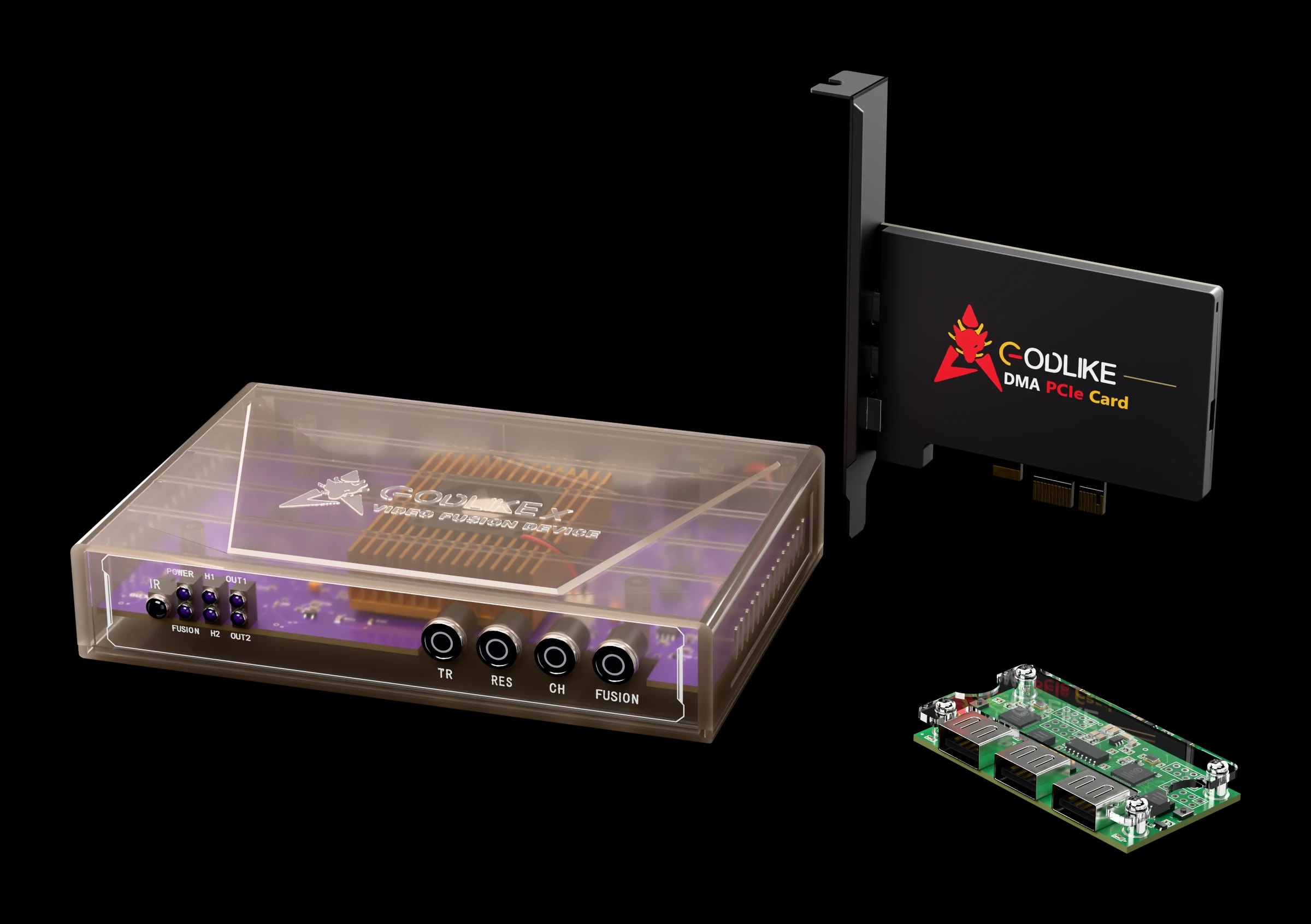
DMA Card
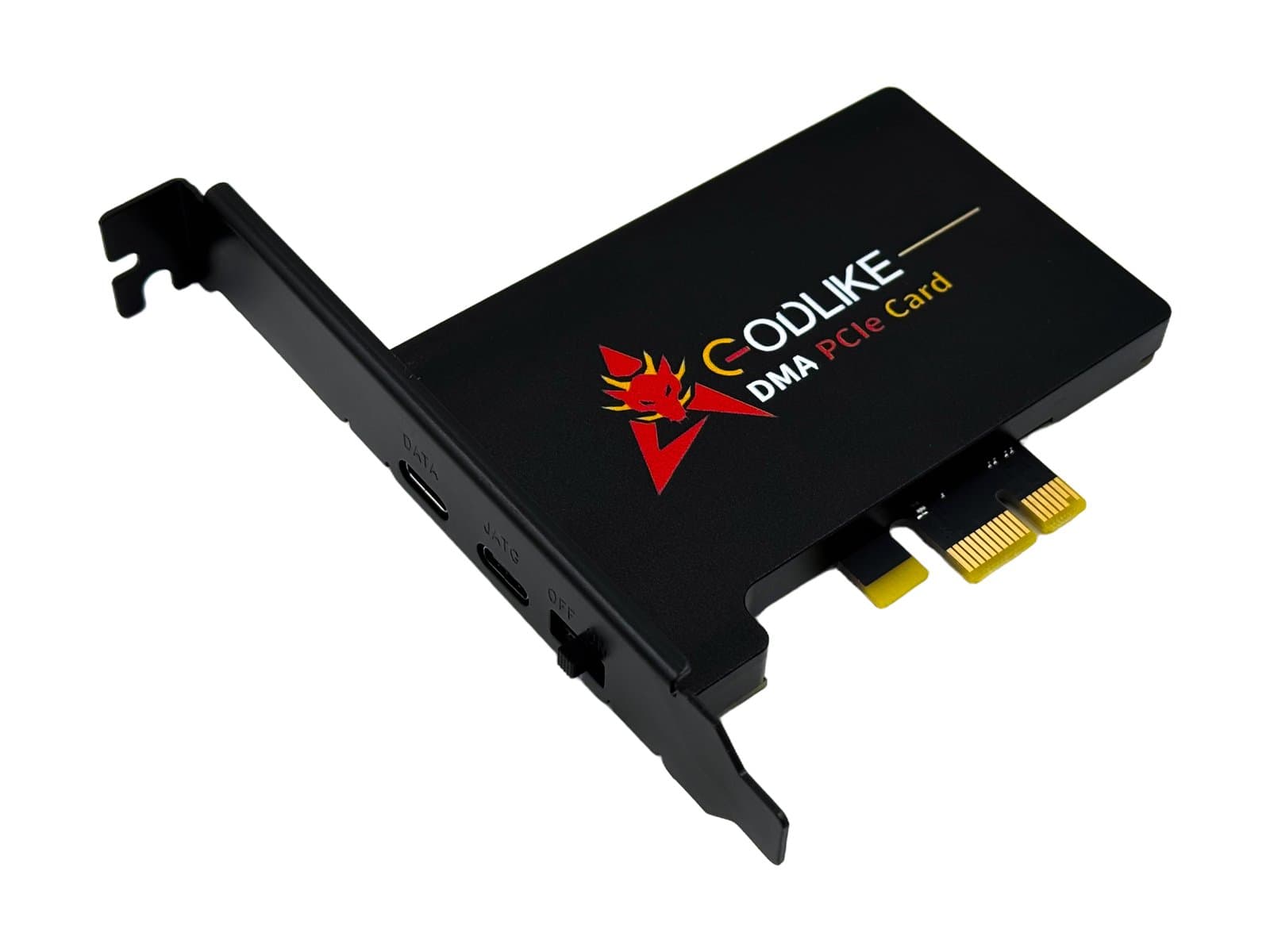
GodLike DMA 75T
Artix-7 75T FPGA, up to 180 MB/s over USB-C 3.1 Gen 2, with a kill switch.
$109.98 on its own
Learn more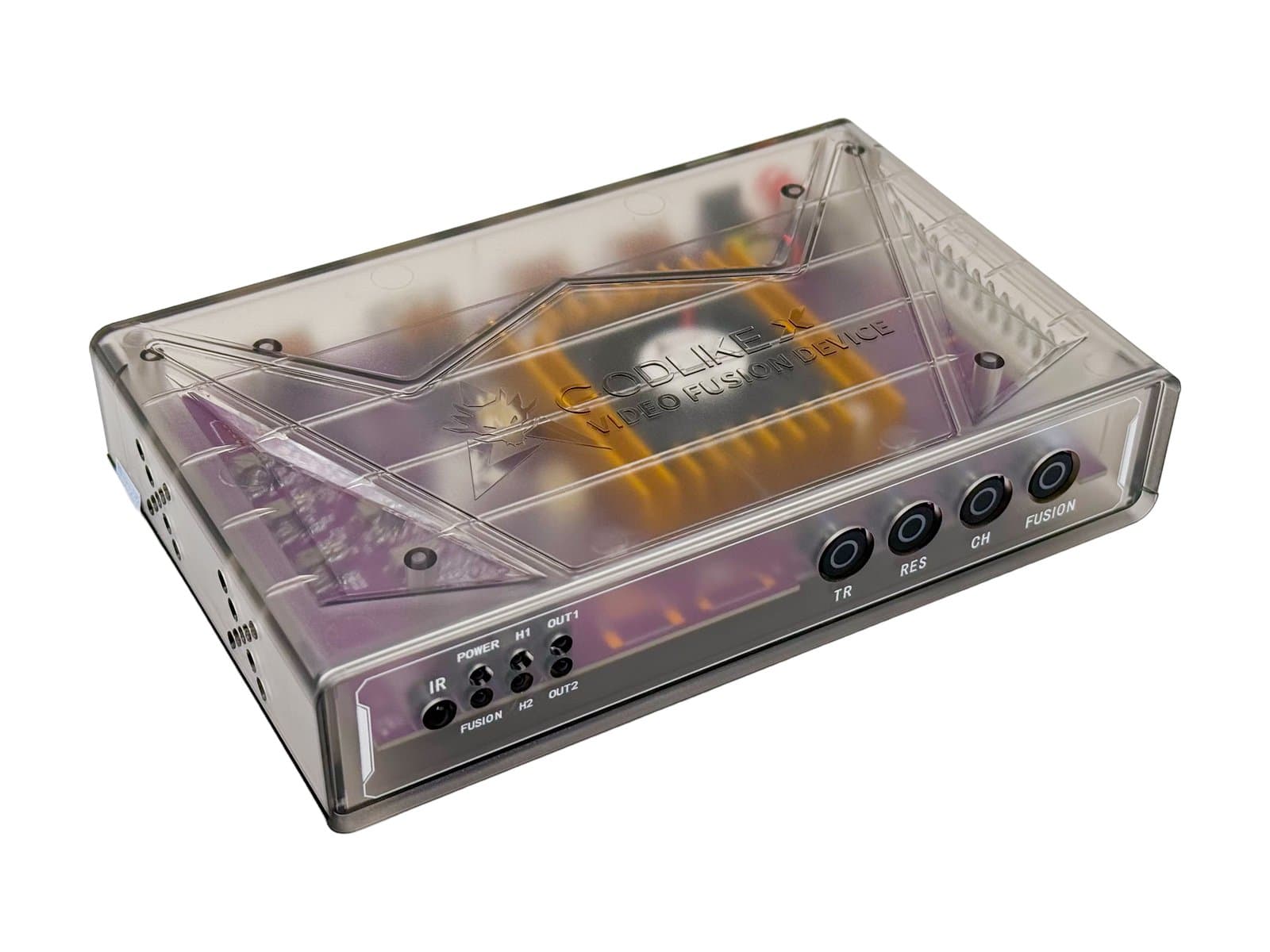
Fuser
GODLIKE 10th Gen HDMI & DP Fuser
HDMI and DisplayPort outputs, lossless 4:4:4, buttons and remote. Mode switching in about 10 seconds.
$170.00 on its own
Learn more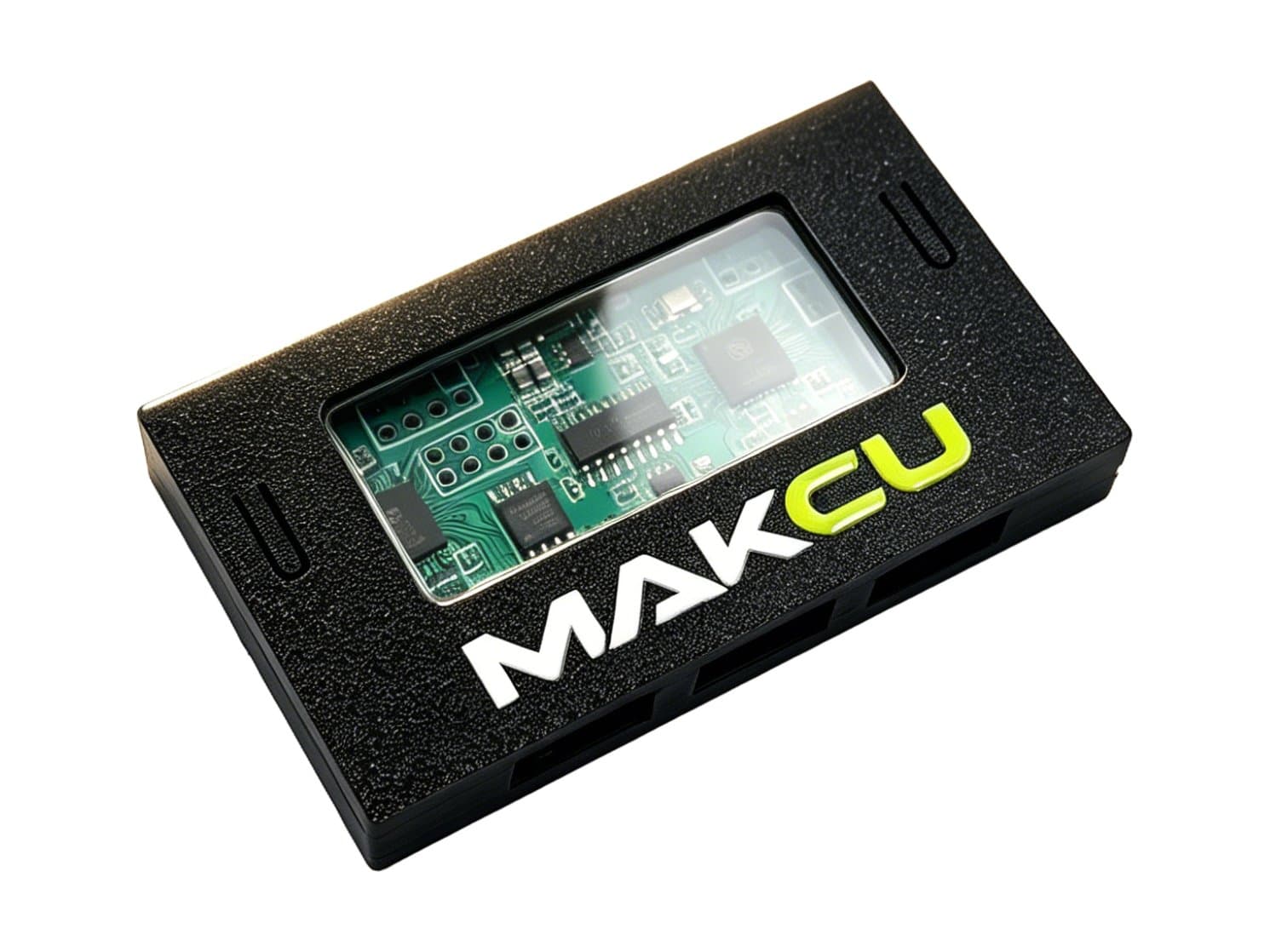
Aim Device
Makcu
Hardware mouse input driven by the Second PC. Dual ESP32-S3, 1000 Hz.
$25.00 on its own
Learn more
- Bought separately
- $304.98
- Bundle GodLike HDMI & DP
- $289.99
- You save
- $14.99
The setup, in detail
180 MB/s
DMA read / write
HDMI + DP
Fuser output
4:4:4 Lossless
Fuser chroma
1000 Hz
Aim polling
Tech specs
DMA Card · GodLike DMA 75T
- Chip / FPGA
- Xilinx Artix-7 75T
- Host slot
- PCIe x1
- Fits any x1, x4, x8 or x16 slot
- Data port
- USB-C 3.1 Gen 2
- DMA read / write
- Up to 180 MB/s
- JTAG
- On-board, USB-C
- Flash through the Update Port
- Kill switch
- Built-in
- Turn the card off without unplugging it
Fuser · GodLike 10th Gen HDMI & DP
- 1920 x 1080
- 60 / 144 / 165 / 240 Hz
- 2560 x 1080
- 165 Hz
- 2560 x 1440
- 144 Hz
- 3440 x 1440
- 60 / 100 Hz
- Ultrawide is supported
- 3840 x 2160
- 60 Hz
- Inputs
- 2x HDMI
- PC1 (main) and PC2 (slave)
- Outputs
- HDMI + DisplayPort
- Use either one, or both at the same time
- Colour
- Full 4:4:4 chroma
- No chroma subsampling, so text and thin overlay lines stay sharp
- Control
- Buttons + remote control
- EDID pass-through, mode switching in about 10 seconds
Aim Device · Makcu
- Processors
- 2x ESP32-S3
- Polling rate
- 1000 Hz
- 1 ms USB polling interval
- USB ports
- 3
- PC port, COM port for the control software, mouse / keyboard port
- Firmware
- Open source, pre-flashed
- A minority of mice need a different firmware flashed onto the board
How the setup works
- 1.
The DMA card goes into a free PCIe slot of your Gaming PC and connects to your Second PC with the included USB-C cable.
- 2.
The Second PC reads the game through the card and runs the software.
- 3.
The fuser takes the video of both PCs and sends one combined image to your monitor: the overlay on top of the game.
- 4.
The Makcu sits between your mouse and the Gaming PC, which sees it as an ordinary USB mouse.
- 5.
Nothing is installed and nothing runs on the Gaming PC.
What you need
- Gaming PC
A free PCIe slot for the card and an HDMI output for the fuser
- Second PC
A USB 3.0 port or better for the card, and an HDMI output for the fuser
- One monitor with HDMI or DisplayPort input
The fuser has both outputs, and they can run at the same time
- A USB mouse
It plugs into the Makcu instead of the PC
- Shared PCIe lanesImportant
On some motherboards, populating an M.2 socket disables a PCIe slot, and a thick GPU can physically cover it. Check your motherboard manual before ordering.
What Is in the Box
- 1x GodLike 75T PCIe card
- 1x USB-C to USB-A cable
- 1x GodLike 10th Gen HDMI & DP fusion device
- 1x Remote control
- 2x HDMI cables
- 1x Power adapter
12V 2A, US plug, for the fuser
- 1x EU plug adapter
- 1x Makcu board
- 2x USB cables
Is this the right bundle for you?
- Yes, if your monitor is DisplayPort, HDMI or both
The fuser has an HDMI and a DisplayPort output, and they can run at the same time.
- Yes, if you switch modes often
Buttons on the front plus the remote, and a mode change takes about 10 seconds.
- Yes, if you want the cleanest overlay
Full 4:4:4 chroma keeps thin lines and small text sharp, with zero-latency processing.
- No, if your PCs only have DisplayPort outputsImportant
The two fuser inputs are HDMI.
Questions? Answers.
Why the bundle instead of the three products?
Same three products, for less: the bundle costs less than buying them one by one, and the saving shown on this page always follows their current prices. They also ship together, checked to work together.
Can I use both fuser outputs at the same time?
Yes. HDMI and DisplayPort can run simultaneously, for example to drive two displays.
What is the difference from the Bundle GodLike HD?
Same card, same Makcu, and a fuser with the same image quality and resolutions. This one adds a DisplayPort output next to the HDMI one, physical buttons on top of the remote, EDID pass-through and mode switching in about 10 seconds instead of 40+.
Does the Makcu work with my mouse?
Most mice work the moment you plug them in, because the board ships pre-flashed. A minority need a different firmware flashed onto the board. The firmware is free and the procedure is documented, but if you have an unusual mouse it is worth asking us before you order.
Can I install the card in a long PCIe x16 slot?
Yes. An x1 card works in any x1, x4, x8 or x16 slot, as long as the slot is electrically active.